- Newsletter
- Posts
- 🔵The Rise of Lightweight AI Automation: 5 Practical Tools
🔵The Rise of Lightweight AI Automation: 5 Practical Tools
March 2nd Edition. Tools SMEs and Enterprises Are Using Right Now
👋 Welcome
Welcome to this edition of The Business AI Newsletter.
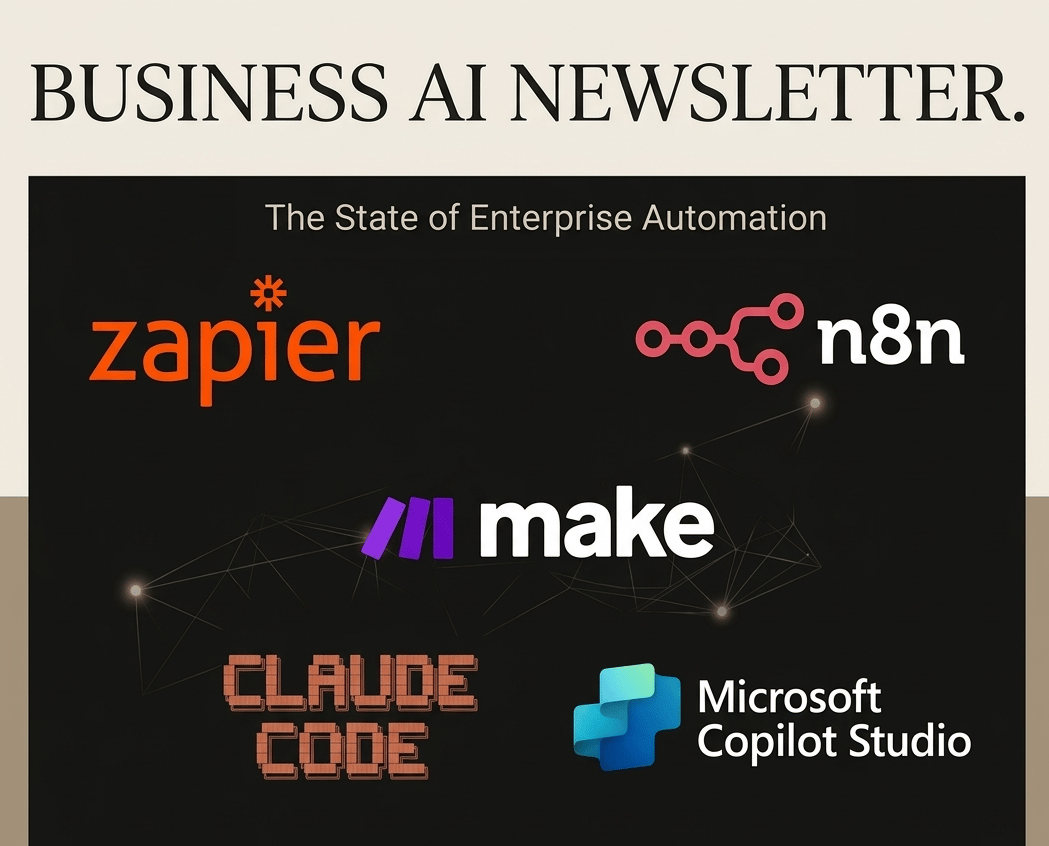
AI adoption is no longer about massive transformation programs or multi-million-euro deployments. In 2025–2026, the real acceleration is coming from lightweight AI automation tools — platforms that allow companies to automate workflows, integrate systems, and deploy AI assistants without building complex infrastructure.
For SMEs, this means competing with larger organizations.
For enterprises, it means moving faster than internal IT cycles.
This issue explores the most important AI automation platforms, what they are best at, and how businesses are actually using them today.
🧠 What “Lightweight AI Automation” Means
Lightweight automation tools sit between:
simple no-code automation (old RPA)
full custom AI engineering
They allow teams to:
✅ connect apps
✅ automate decisions with AI
✅ deploy assistants and agents
✅ orchestrate workflows across tools
✅ reduce manual operational work
Most importantly: business teams can build solutions themselves.
Real Business Automations Happening Today
Sales
AI qualifies leads automatically
CRM updates without human input
Finance
Invoice extraction + validation
Automated anomaly detection
HR
Candidate screening assistants
Policy Q&A copilots
Operations
Email → task → reporting pipelines
AI-generated summaries of meetings and documents
Companies often achieve 20–40% operational time savings within months — not years.
Zapier: The "Fast-Track" Entry

Best for: SMEs, marketing teams, operations, non-technical users.
Zapier remains the most accessible automation platform globally.
Strengths
Extremely large integration ecosystem (6,000+ apps)
Fast setup
Reliable trigger-action workflows
Growing AI capabilities
Typical Use Cases
Lead capture → CRM → email personalization
Customer onboarding automation
AI-generated summaries from forms or emails
Marketing workflow automation
Where it shines
👉 Speed of implementation.
Limitations
Complex logic becomes expensive.
Less suited for enterprise-scale orchestration.
n8n: The Power User’s Choice
Best for: technical SMEs, enterprises, data-sensitive organizations.
n8n has emerged as the most technically ambitious platform in this category. With its native LangChain integration, n8n is currently the best platform for building complex, multi-model AI agents that actually "think" before they act.
Strengths
Self-hostable — full data control and sovereignty
Most advanced AI/LLM workflow capabilities
Custom code nodes with drag-and-drop functionality (suitable for low-coders)
API-first architecture
AI agent workflows
Typical Use Cases
Internal automation hubs
AI-driven document processing
Custom integrations
Secure enterprise workflows
Why enterprises like it:
👉 No vendor lock-in.
A notable 2026 development: n8n has announced a strategic integration with Microsoft Agent 365, allowing n8n-built agents to be governed and managed within Microsoft's enterprise ecosystem.
Limitations
Requires technical resource to set up and maintain
Make: The visual middle ground
Best for: advanced SMEs, automation specialists.
Make occupies a deliberate middle ground: more visual flexibility and data transformation power than Zapier, without the infrastructure demands of n8n. Its "scenario" model lets users build rich, multi-branch workflows through an intuitive canvas that feels closer to a flowchart than a list of rules.
Strengths
Visual canvas — excellent for complex branching
Data transformation capabilities
Good balance of power vs. accessibility
Cost-efficient scaling
Typical Use Cases
Multi-step operational workflows
Data synchronization between platforms
Automated reporting pipelines
AI enrichment of datasets
Limitations
Busier UI — steeper learning curve than Zapier
Less enterprise governance tooling
AI capabilities less deep than n8n
Think of Make as: Zapier for power users.
Claude Code — AI as a Developer Partner
A newer category is emerging: AI automation through coding assistants.
Claude Code enables developers and technical operators to:
generate automation scripts
design workflows
debug integrations
build agents faster
Instead of replacing automation tools, it accelerates building on top of them.
For SMEs and technical teams, the value proposition is striking: a single skilled operator using Claude Code can build reporting automation, internal tooling, data transformation scripts, and custom API integrations in a fraction of the time a traditional dev team would require.
Strengths
Agentic — takes multi-step autonomous action
Ideal for custom reporting and internal tool building
Dramatically accelerates developer productivity
A glance of Use Cases
Refactor Legacy Sheets: Turn messy Excel "databases" into clean, automated SQL structures.
Build Internal Tools: Prompting Claude to "build a dashboard that tracks our carbon credits" is now a 10-minute task.
The MCP Factor: Using the Model Context Protocol (MCP), Claude can now "plug in" to your local files and private data as easily as a USB drive.
Limitations
Requires technical literacy to use effectively
AI-generated code requires human review
Impact
Companies increasingly automate via: AI writing the automation itself.
Microsoft Copilot Studio — The enterprise incumbent
Best for: enterprises already using Microsoft ecosystem.
For companies living in the Microsoft 365 ecosystem, Copilot Studio is the bridge. It allows departments to build "custom Copilots" that are grounded in their specific SharePoint data. It’s the "Enterprise-light" way to deploy AI without the security team having a heart attack.
Strengths
Native integration with Microsoft 365
Governance and security controls
1,500+ Power Platform connectors
Visual agent builder — accessible to non-developers
Typical Use Cases
HR assistants
IT helpdesk automation
Internal knowledge copilots
Customer service agents
Limitations
Azure lock-in — limited LLM model choice
Pricing can stack significantly at scale
Less flexible outside the Microsoft ecosystem
This represents Microsoft's strategy: AI embedded directly into business operations.
💡 The automation tools are not one-size-fits-all
The businesses seeing the strongest ROI from automation in 2026 aren't necessarily using the most sophisticated tools — they're using the right tools for their context, their team's technical capacity, and the specific workflows they've chosen to automate first.
💡 The "Pro-Tip" for 2026: The 80/20 Rule
Don't try to automate everything. Identify the "Information Toll Booths"—those points in your business where a human is simply moving data from an email to a spreadsheet. Automate those first.
⚠️ Common Mistakes Companies Make
Automating broken processes
Starting with technology instead of workflows
Ignoring governance early (enterprises)
Overengineering simple tasks
Not assigning automation ownership
Automation succeeds when treated as operations design, not IT experimentation.
Found this useful? Forward it to someone who's been meaning to "look into AI tools" for the past six months. This might be the nudge they needed.
© Business AI Newsletter. Forward this to a colleague who's still building slides manually.
Subscribe: www.news.cmasterai.com
AI Automations: 🌐[https://cmasterai.com]
Contact us at [[email protected]]
Reply